
SSH Landing Zone (lz server)
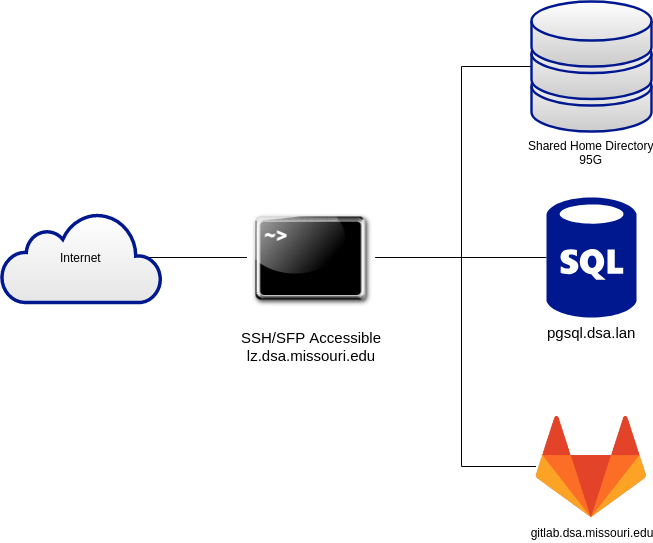
The lz server allows you to have more direct access to your data through secure protocols such as ssh, sftp, and scp.
How do I connect?
- Open a command window on your local computer or Jupyterhub.
NOTE: if you are using your local computer, you will need to be on campus or University VPN.- Jupyterhub: Open a terminal as you normally do
- Windows: type Powershell in the search box and open the app
- Mac: Open your Applications folder, then open Utilities and double-click on Terminal.
- Linux: If you are using Linux, you probably are familiar with the command line. You can usually open a command window by pressing Ctrl+Alt+t at the same time.
You can ssh to your home directory. After entering the command, you will be prompted for your university password. When you type in your password nothing will be displayed. Press enter when you are done entering your password.
ssh username@lz.dsa.missouri.eduYou will be in your home directory, which is one level up from your jupyter directory.
# these examples include the prompts you will see

[username@lz ~]$ ls
jupyter public_html ShinyApps

[username@lz ~]$ cd jupyter
You should be able to:
- Run git commands in your course repos.
- Connect to the postgres server (pgsq.dsa.lan) via psql
- Upload and download files using SFTP/SCP/RSYNC. See also the following posts for examples of using scp:
Need more information or help? Reach out to us at 📧 jcwdw@missouri.edu