
Teams Hints
Listing or Hiding Channels
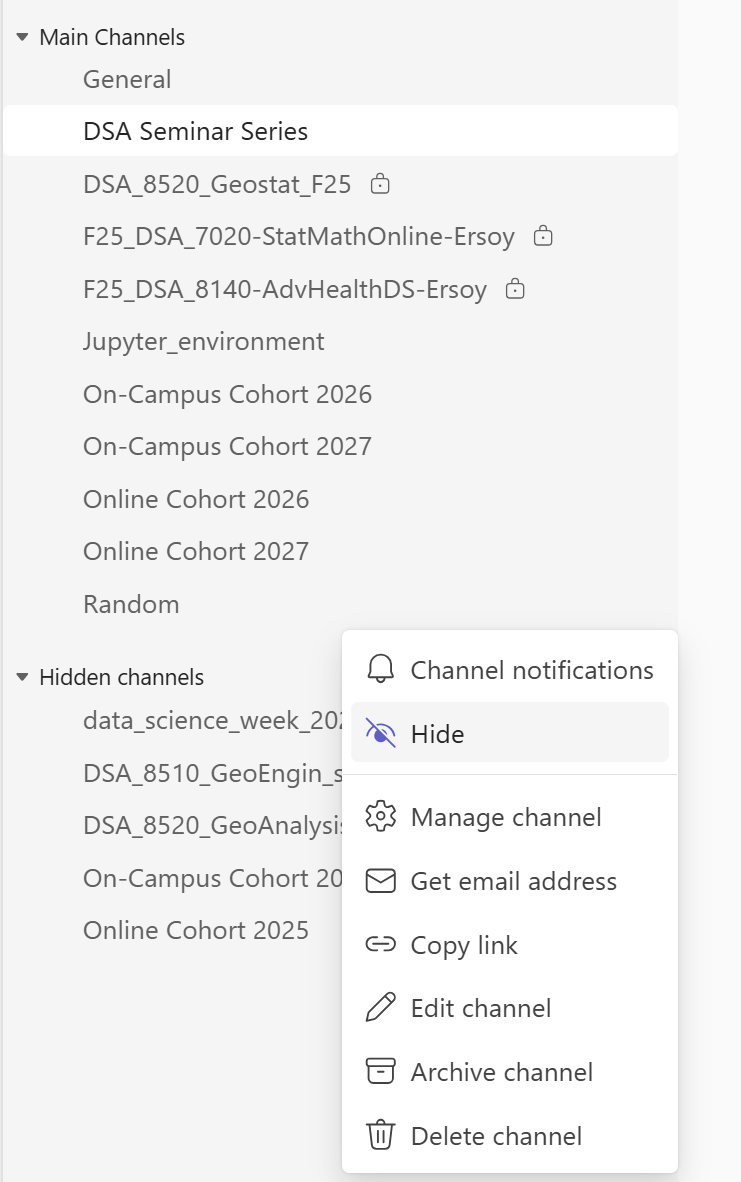
The channels that show in your channel list will be private channels you are a member of and public channels. You can hide channels by hovering over the channel name and clicking the three dots that appear (or right-clicking) and toggling Hide.
Need more information or help? Reach out to us at 📧 jcwdw@missouri.edu